
Features
Everything Listr does, in three parts.
The features, the dashboard and the Chrome extension.
Post
Your website, on Marketplace in one click.
- Reads your websiteEvery car, photo, price and VIN, read again each morning. No feed or spreadsheet.
- One-click postingPick a car, click Post. Listr fills Facebook's form and publishes it from your profile.
- Auto-post queueLine cars up and Listr posts them one at a time, at a natural pace.
AI descriptions, group matching and Lens (coming soon) ride along.
 2022 Ford F-150 XLT$38,900$37,900Price drop on your website
Marketplace$37,9002022 Ford F-150 XLTUpdated by Listr
$37,9002022 Ford F-150 XLTUpdated by ListrKeep every ad current
Every ad checked against your website, every day.
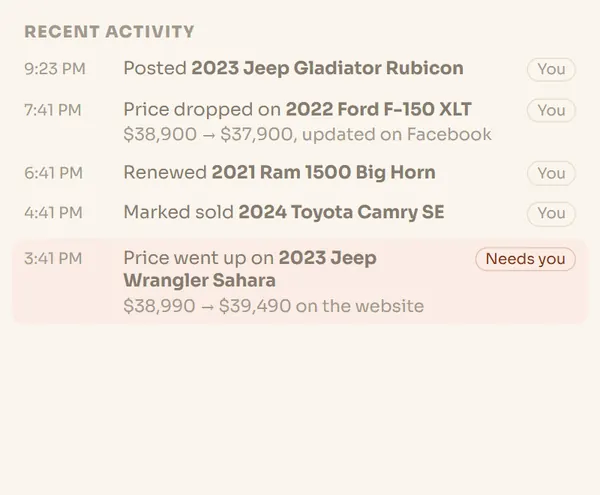
- Price syncYour ads stay in sync with your dealership website's pricing.
- Auto-renewRenews each ad as soon as Facebook allows, so nearby buyers see it again.
- Sold cars marked soldWhen a car leaves your website, Auto-remove marks the ad sold.
Every change is listed in Recent activity, with who did it, you or Listr.
Run the store
See the whole floor, set the rules once.
- LeaderboardWho's posting this month, and who hasn't started.
- Store controlsOwners turn Auto-post and the other automatic jobs on or off for the store.
- Clicks and resultsClicks by day, by person and by car. Recorded numbers, never estimates.
Works from your phone too, and it stops on its own if Facebook ever objects.
The dashboard
Your Marketplace numbers on your computer or your phone, from the same records as the extension.
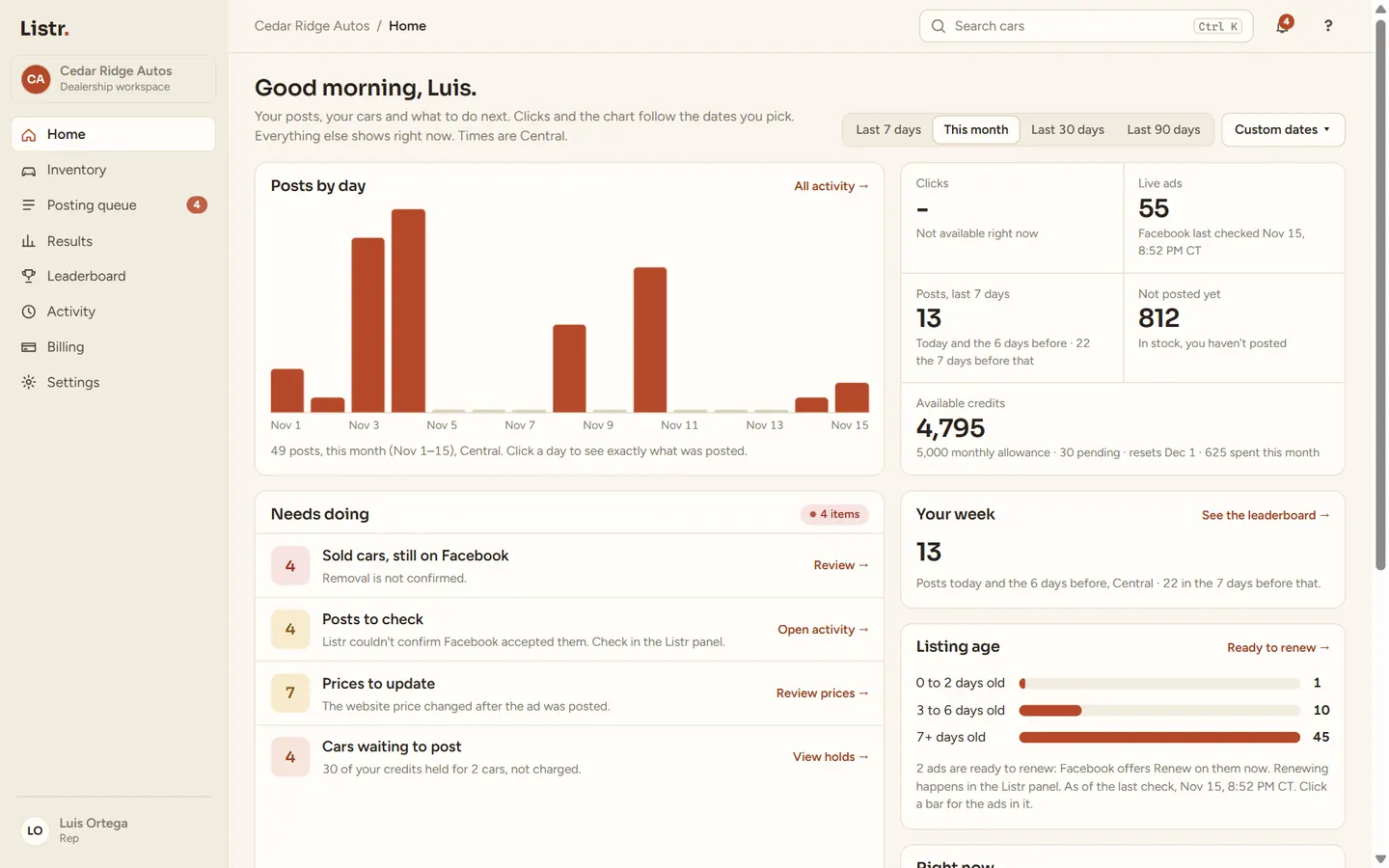
For salespeople
What to post, what needs you, and what's working.
- Posts, live ads and clicks by day
- Needs doing: sold cars still up, prices to update, cars waiting
- Your inventory, never-posted cars first
For owners and managers
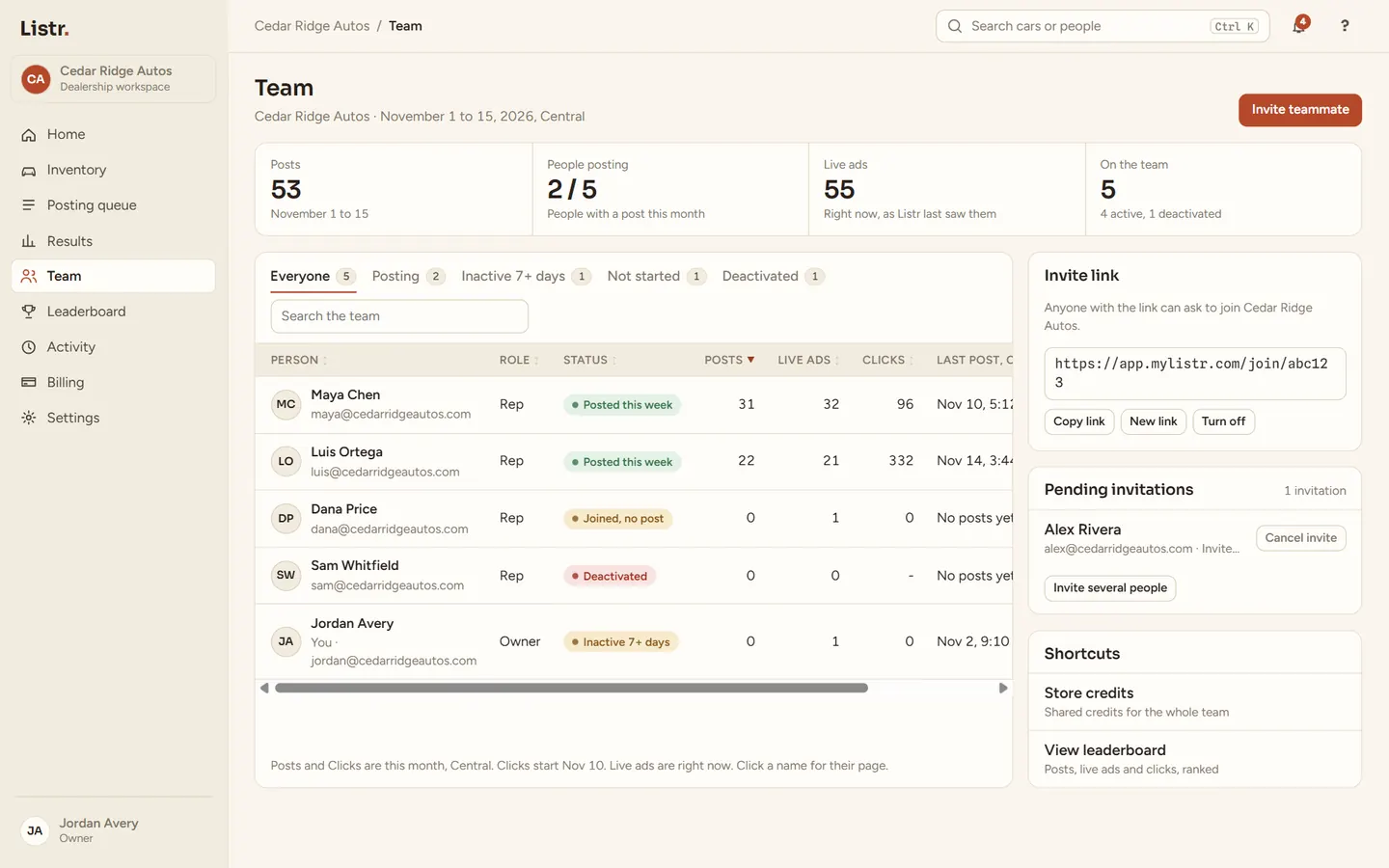
Your whole floor, on one screen.
- Every rep's posts, live ads and clicks
- A monthly leaderboard, and who hasn't started
- Your oldest units, and whether anyone posted them
On your phone
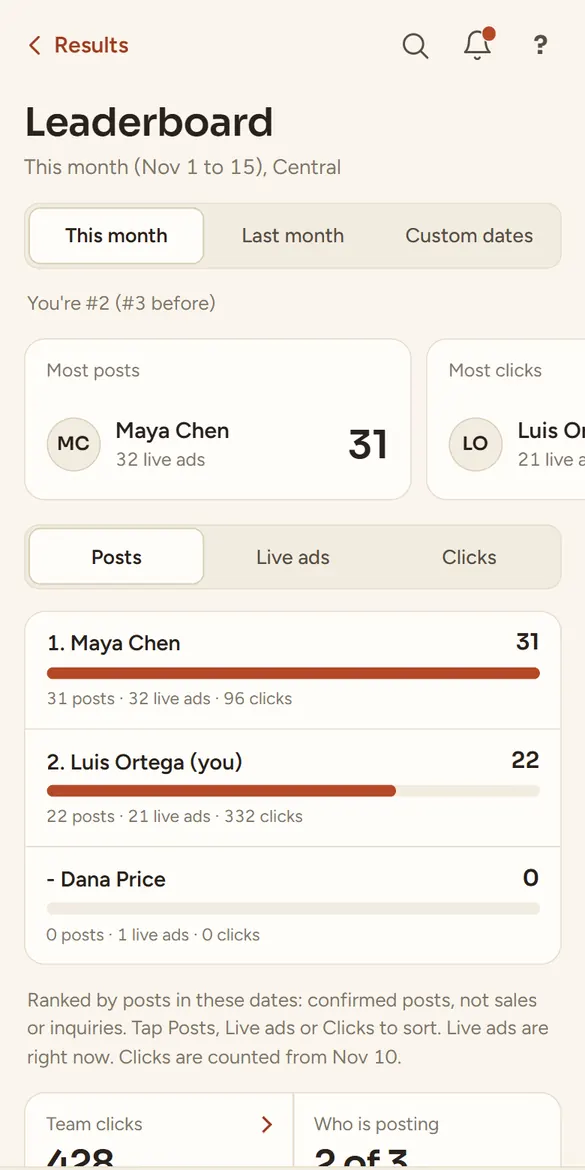
The dashboard fits in your pocket.
- Check your listings, clicks and activity
- Add cars to your posting queue from the lot
- See where you stand on the store's leaderboard
Posting itself runs in Chrome on a computer.
Every screen here is the real dashboard, drawn on a made-up store.
The Chrome extension
A side panel that opens in Chrome, right next to Facebook. It does the posting, on your own profile.
- Add it to ChromeFrom the Chrome Web Store. It opens as a side panel.
- Enter your store's websiteYour inventory shows up in the panel, photos and all.
- Pick a car and postWatch it fill Facebook's form, then publish.
facebook.com/marketplace/create/vehicle
Vehicle for sale
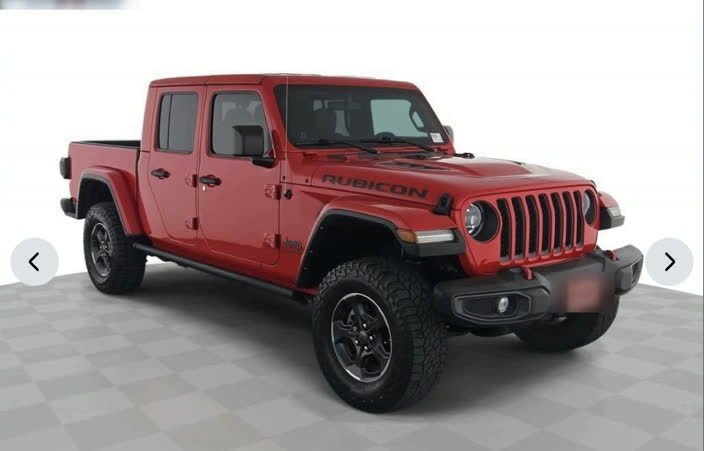
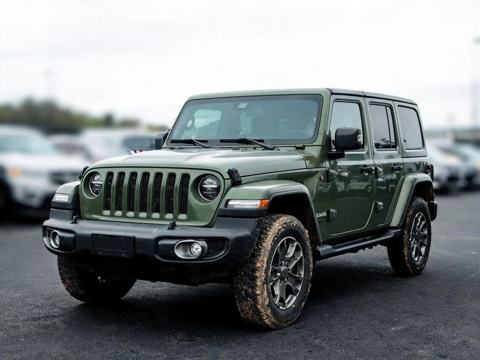
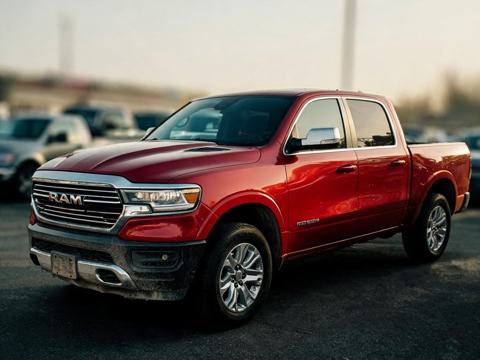
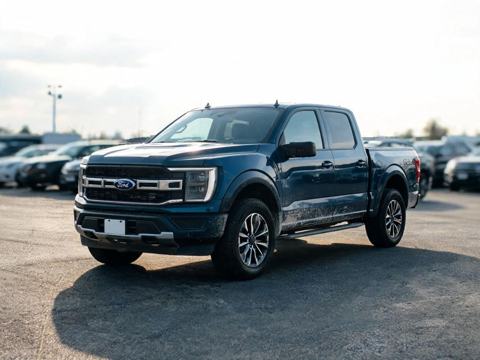
Year2023
MakeJeep
ModelGladiator Rubicon 4x4
Price$34,747
Mileage44,964
DescriptionClean Rubicon, 3.6L V6, 8-speed auto, Fox shocks…
Publish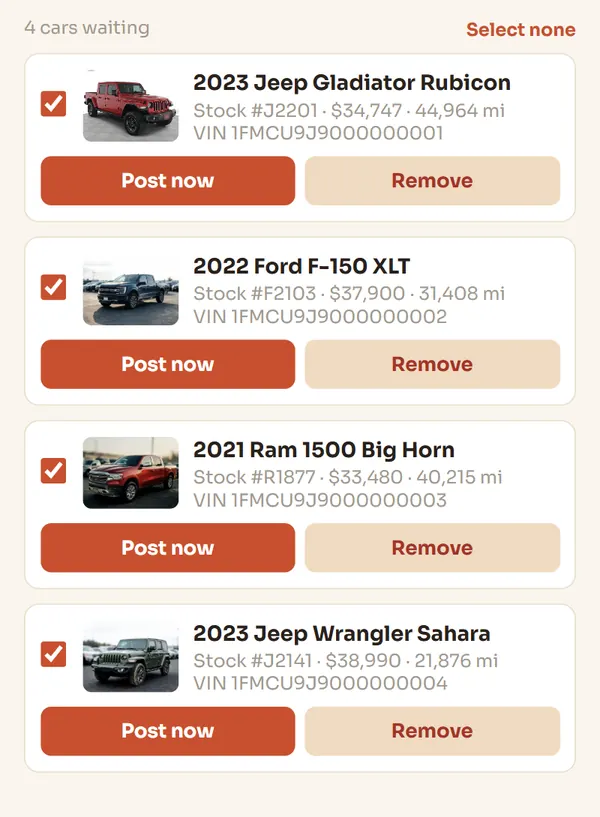
What the panel does
- Posts a car in one click
- Runs your Auto-post queue
- Renews, updates prices and marks sold cars, every day
- Stops on its own if Facebook shows a warning
- Sends a problem report to the team from the panel
The panel screens are the real extension code, drawn on made-up cars.