
Listr vs AutoLander
Both tools do the same basic job: they take the cars you already have and put them on Facebook Marketplace so you are not typing them in one at a time. If you are choosing between them, one question decides it faster than any feature list — whether your plan counts your posts.
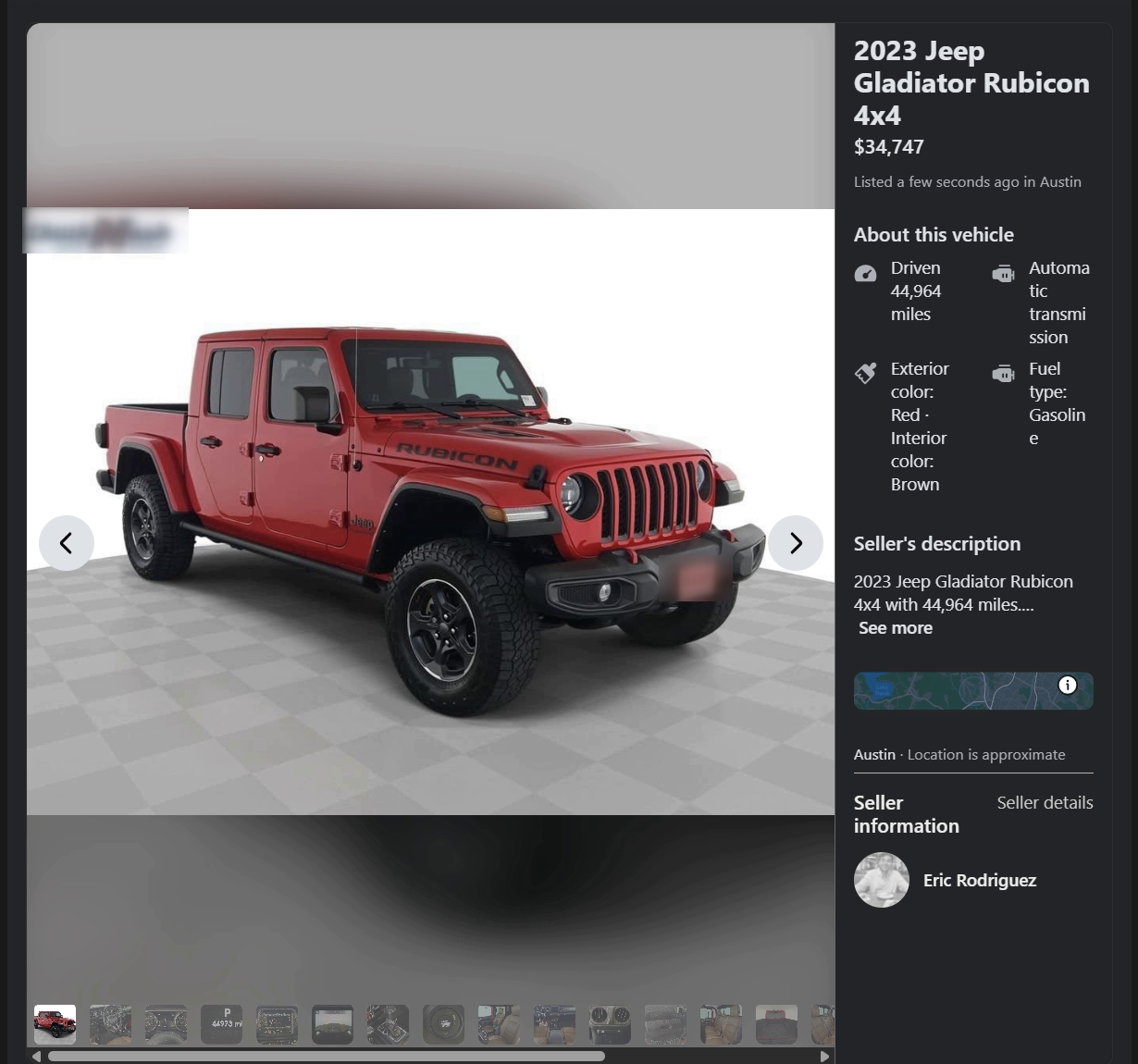
The part that actually decides it
On AutoLander, how many cars you can put up in a day is part of what you are buying. Five on the entry plan, ten on the next, fifteen above that. It is published plainly, which is more than most of this category manages — but it does mean the busiest day of your month is the day you meet the ceiling you paid for.
Listr does not sell posting volume. There is no tier that unlocks more cars, because your posting was never the meter. When you're sitting there working through your lot, you go until you decide to stop.
One thing worth being straight about: Listr also has a hands-off mode, where it works through a queue while you're with a customer. That mode paces itself so it behaves like a person rather than a machine, because an account that posts like a robot is an account that gets flagged — and your Facebook account is your business. That pacing is a safety behaviour, not a plan limit. There is nothing to buy to change it, and it never touches what you post by hand.
| AutoLander | Listr | |
|---|---|---|
| Posting volume | Sold by the day. Starter is 5 posts a day, Growth is 10, Pro is 15. Posting more means moving up a plan. | ✓Not sold at all. When you're posting yourself, nothing counts your cars or stops you at a number. |
| Published price | From $39/month, then $59 and $79. Dealer and multi-rooftop plans from $117/month. | ✓Free while the open beta is running. Paid plans get published before they start, and beta testers hear first. |
| How you start | Book a demo. The demo includes 5 free posts and does not ask for a card. | ✓Install the Chrome extension and type your dealership's web address. No demo call, no card. |
| Where your inventory comes from | CarGurus and Cars.com directly; vAuto, DealerCenter, CDK, Tekion and others through a custom feed or export; most dealer websites read directly. | ✓Your dealership's public website, read in your own browser the same way a shopper's browser reads it. |
| When a car sells | Alerts you in the dashboard. | ✓Takes the listing down for you, automatically if you want it to. |
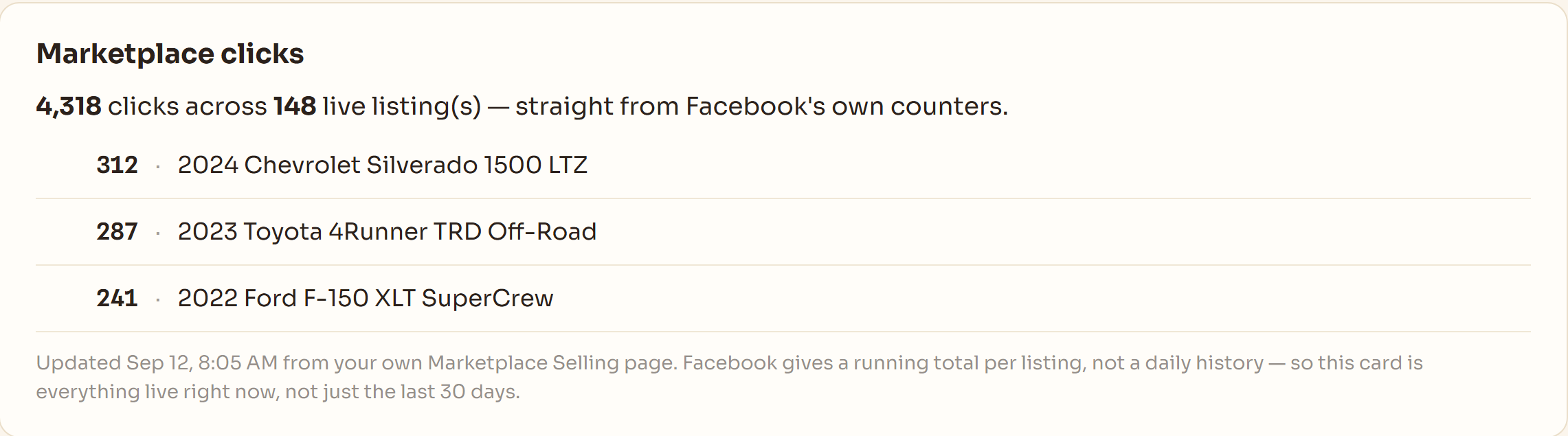
| Which posts turned into a sale | Advertises tracking which posts generate buyer conversations. | ✓Your dashboard shows "posted & sold" — cars that sold within 30 days of posting — plus the Marketplace click count Facebook gives each listing. |
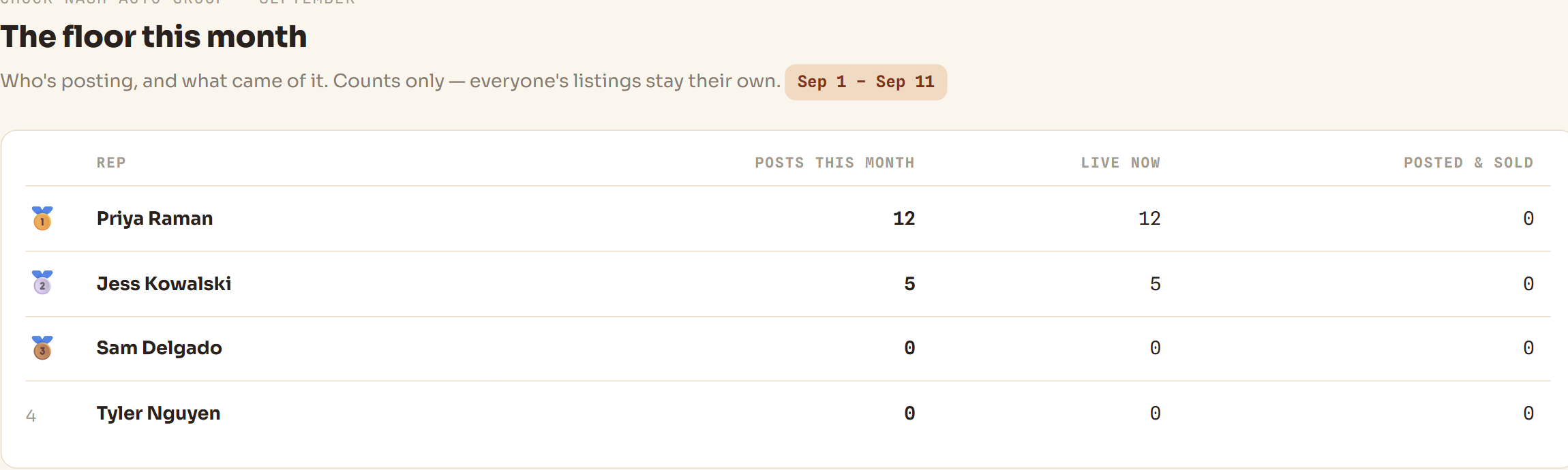
| Team visibility | See queue and team activity in one dashboard. | ✓A leaderboard the whole store can see — live listings, posts, posted & sold and hours saved, per rep. |
AutoLander's prices, plan limits and integrations above were read from autolander.ai on September 23, 2026, including the answer to "How much does AutoLander cost?" in their own FAQ. Companies change their pricing; check their site for what is true today.
What's already on your dashboard
The two things worth knowing about — post-to-sale and team visibility — aren't a reason to look elsewhere. They're already here.
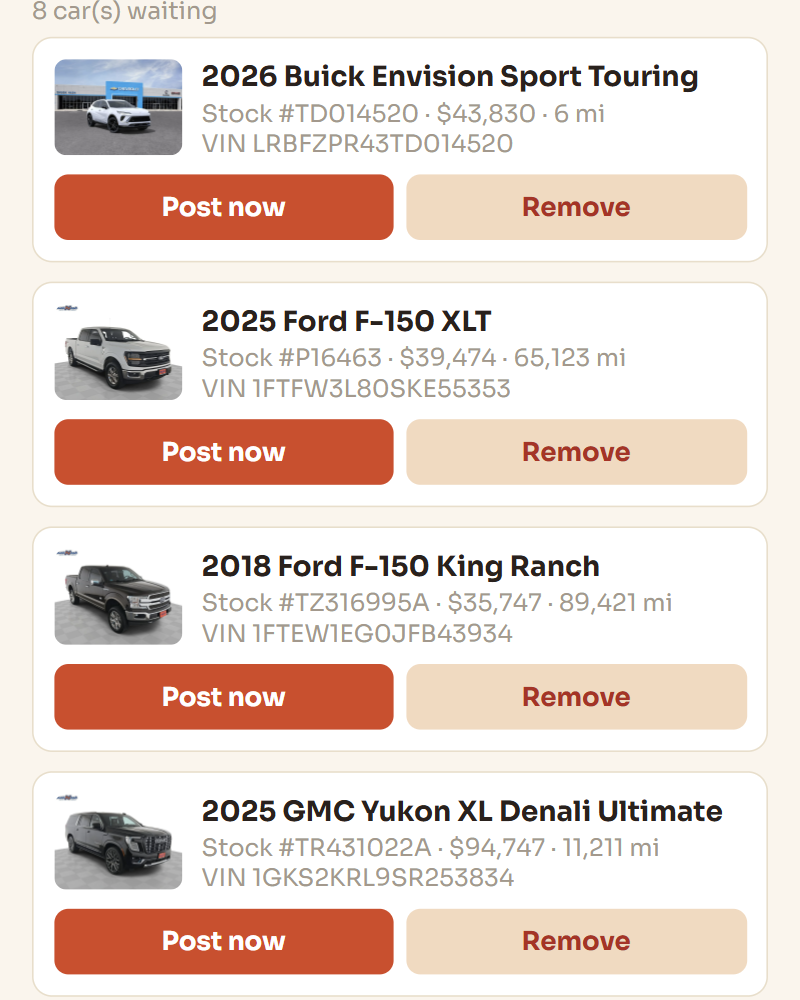
How Listr works
No feeds to request, nothing for your IT company to set up.
From reps who switched
Try it against your own lot.
The beta is free, there is no demo call, and you will know inside ten minutes whether it reads your website properly. It will not stay free forever — pricing starts when the beta ends.